Introduction
I like when people share the tools they use, so here is my contribution.
In the end, my work is to write, in one form or another. So, tools for writing are my ‘writing layer’; time spent here is time well spent. But then you have to create new files, move them around, rename them, save them, store them, and keep track of their changes. Tools in this category are the ‘operations layer’; I want to spend as little time as possible here. Finally, all of this has to run on something. This is the ‘infrastructure layer’; I don’t even want to notice that this layer exists.
I try to keep a consistent look across tools, which is provided by Catppuccin themes.
This is not a tutorial or a guide. It is also not a list of recommendations. It is just a list of some of the tools I use.
Writing
Code
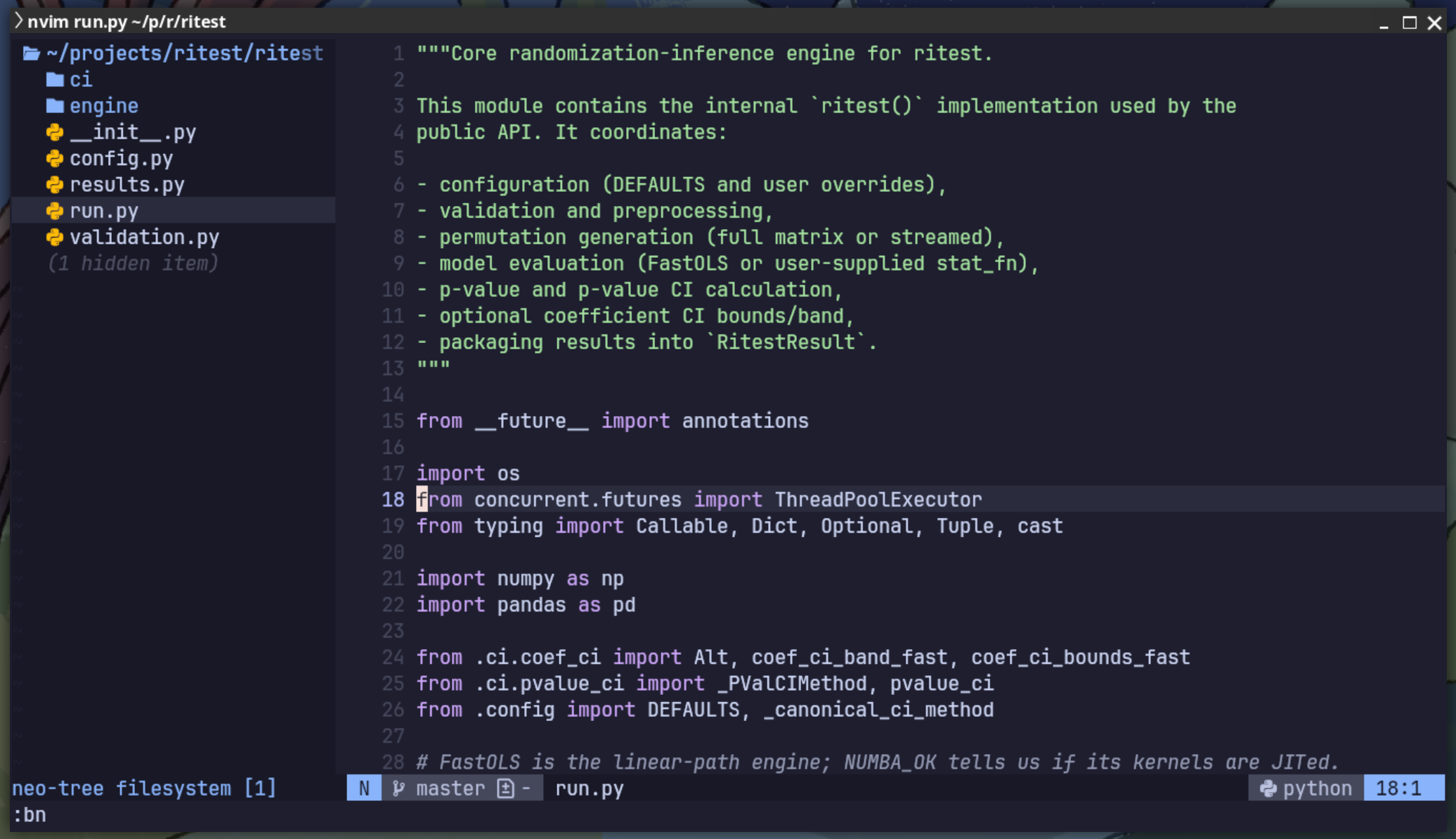
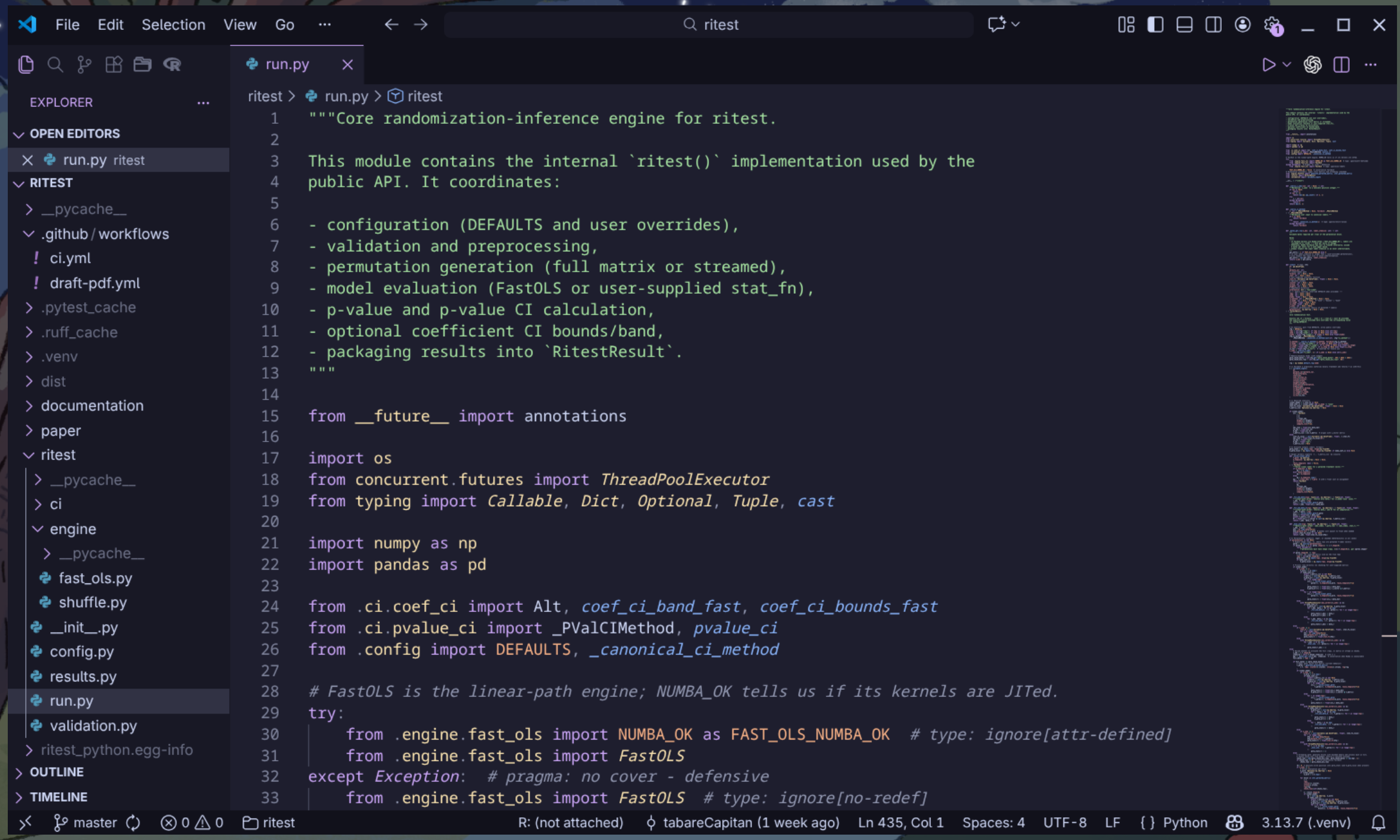
I use both VS Code and Neovim. I have a basic setup in VS Code, nothing worth mentioning here. Neovim is more interesting. My starting point is the modular version of kickstart.nvim, with a few additional plugins and customisations.
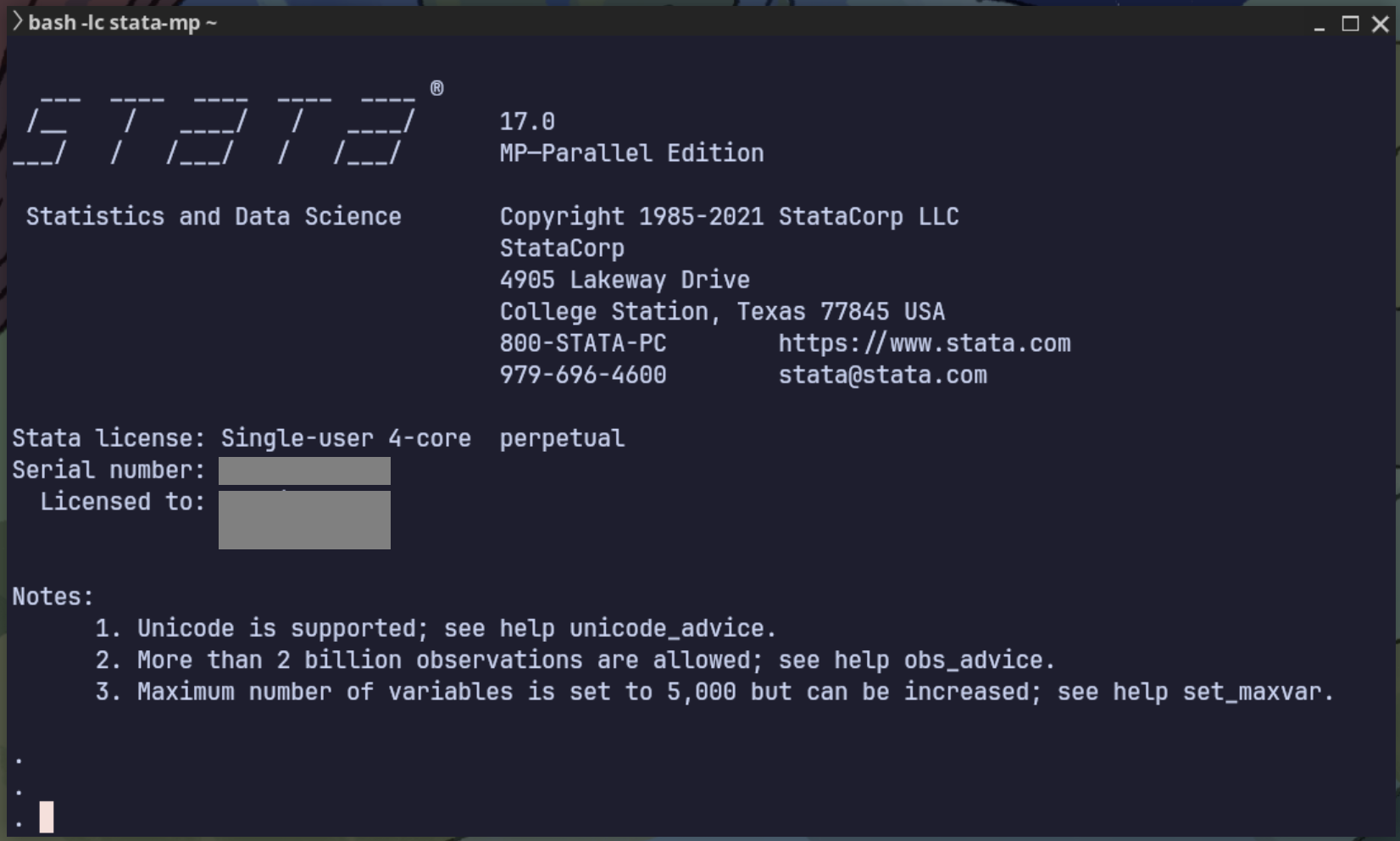
I also use Stata when the project is right and I can choose the software. It remains my favourite software for exploratory data analysis (EDA), especially for applied work in economics.
Non-code
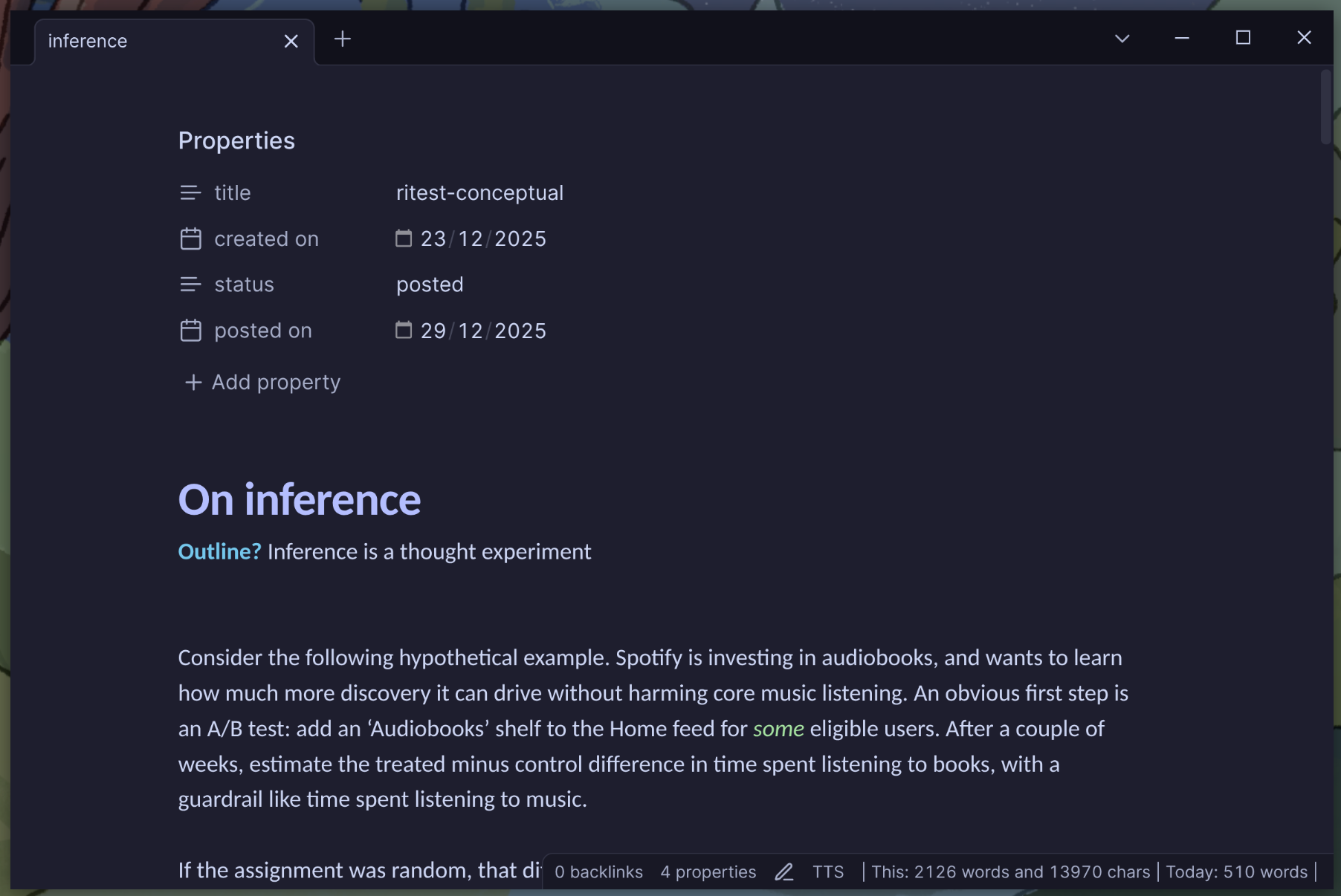
I use Obsidian to write everything that I want to keep, which is a lot to ask from a tool. Still, I’m pretty comfortable with this choice. The developers are active and seem reasonable. And there is also an active community building and maintaining many useful plugins.
Obsidian is not open-source, but it has some audits and a feasible business model, which makes me believe that it will be around for the long term. The business model is simple: you only pay if you want sync or publishing. Because it’s funded directly by users, development can stay focused on product rather than outside pressures. Most importantly, there is no file-level lock-in because the actual notes are plain text Markdown files (see File over app).
I use Workflowy for text that is meant to disappear: shopping lists, to-do lists, travel itineraries, and more. It’s a simple, fast, and flexible outliner that works well for quick notes and lists. And they recently added the Catppuccin theme!
Operations
For version control I use git, with GitHub as the remote server.
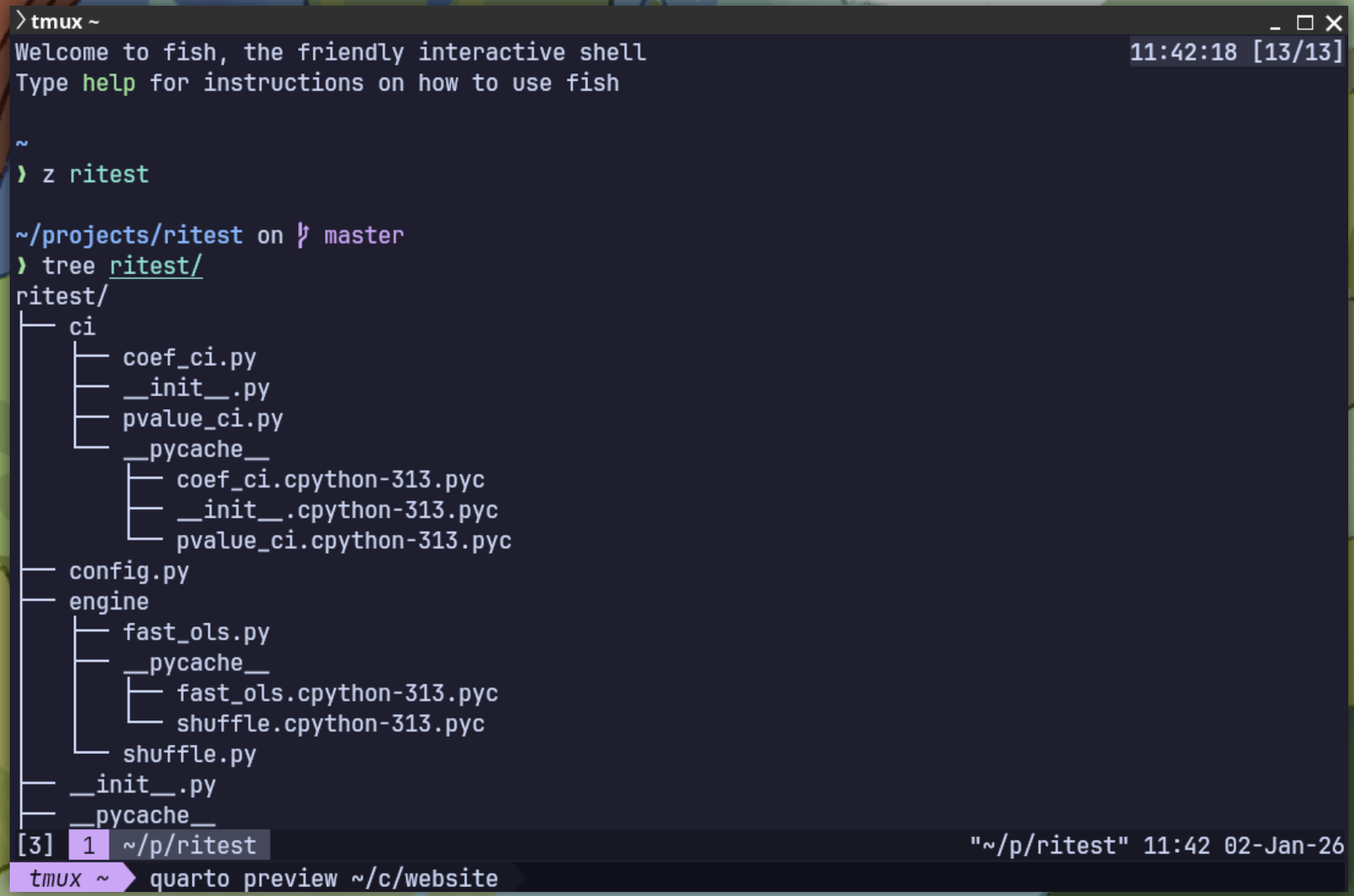
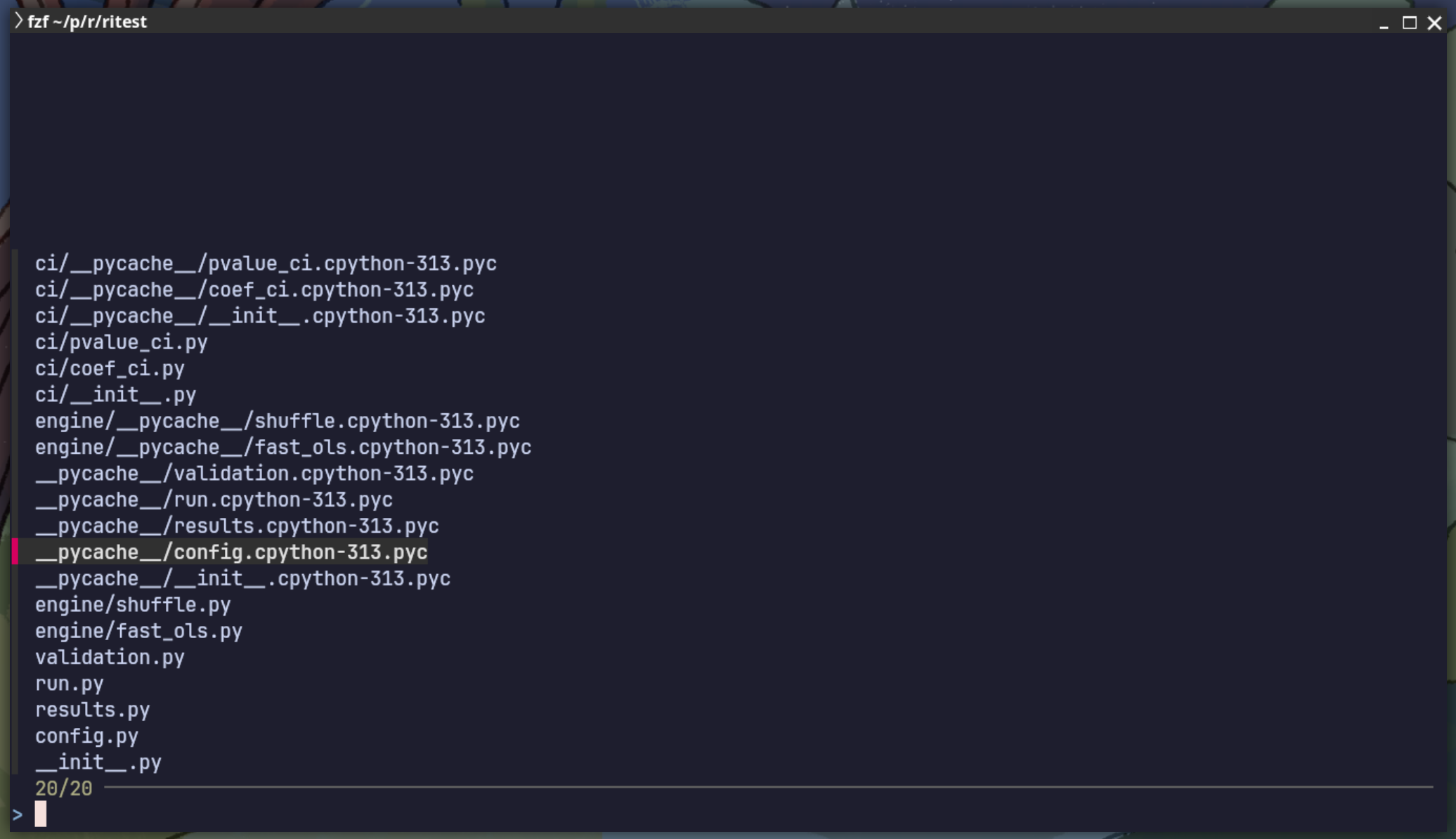
My terminal setup is built around kitty and fish, with starship for the prompt. I use tmux for sessions, fzf for fuzzy search, zoxide for fast directory jumps, and yazi as a terminal file manager.
Infrastructure
OS
I use Linux (Fedora). I’m certainly not going to tell you that this is ‘the best’ Linux distro out there. In fact, I think most (popular) distros are good enough for most. What I can tell you is that Fedora’s level of conservatism fits my own risk aversion. It’s not trying to be cutting edge, but it is also not afraid to move on. I know that Fedora is (sort of) sponsored by IBM through its Red Hat ties, but development remains credibly independent.
Sync and storage
I use Nextcloud for file sync, hosted on Hetzner Storage Share.
Website
This site is built with Quarto, rendered locally, and deployed via GitHub Pages.
Screenshots